On Shopify, cannibalization creeps in unseen. A "Backpacks" collection and a "How to choose a backpack" guide target the same search, Google rotates them on page 2, and neither takes off.
The tool I recommend to spot and fix it is SEO Alpin. It's a Shopify app: it reads your Search Console, lists the pages competing for a query, and applies the fix from the admin (301 redirect, internal links, tags) after you click. Detection is free.
Search Console remains the reference for checking a case by hand. Semrush tracks the evolution over time if you already pay for it, Ahrefs gives you the list with one filter, and Screaming Frog spots pages that are too close before they start fighting.
| Tool | Best for | What it spots | Does it fix? | Entry price |
|---|---|---|---|---|
| SEO Alpin | Spotting and fixing without leaving Shopify | Pages competing for a query, duplicates, zombie pages | Yes, after your click | Free |
| Google Search Console | Checking a case against Google's data | URLs shown for a query | No | Free |
| Semrush | Tracking cannibalization over time | Keywords with several pages, health score | No | Guru plan |
| Ahrefs | Pulling the list with one filter | Keywords where several URLs rank | No | Paid |
| Screaming Frog | Finding pages that are too close | Near duplicates and semantically similar pages | No | Paid license |
I've been a Shopify developer since 2023, with 120+ projects delivered. On a store, cannibalization is fixed half in the content, half in the theme. The tools in this ranking cover the first half, and I detail the second one below.
Why Shopify produces cannibalization
Shopify doesn't create the problem on its own, but several of its default settings encourage it.
The collection and the blog post on the same search. This is the case I see most. The blog was written for SEO, the collection carries the same keyword in its title, and the two pages step on each other.
Near-identical collections. "Bags", "All bags", "New bags", "Bags on sale": automated collections showing the same products under similar titles.
One product split across several listings. A bag in three colors, published as three products with the same description, gives three pages aimed at the same search.
Tag pages. A collection filtered by tag (/collections/bags/leather) can be indexed with the same title as the parent collection.
Product URLs inside a collection. A product viewed from a collection also answers at /collections/bags/products/oscar. The canonical points to /products/oscar, which limits the damage, but the theme keeps linking to the wrong address.
Two pages from the same site on one query aren't always a problem. You have a case to fix when positions swap from one week to the next and neither page gets past page 2.
How I chose these tools
I looked at what each tool really shows: which pages, on which query, from which data (Google's or a crawl). Then whether it helps you fix the issue, what it costs for that single use, and how much time it asks from a team already busy with orders.
The information comes from the vendors' public pages and documentation, read on 20 November 2026. I saw SEO Alpin in a demo with its founder, Léopold De Wulf, in November 2026.
1. SEO Alpin: the best tool to spot and fix cannibalization without leaving Shopify
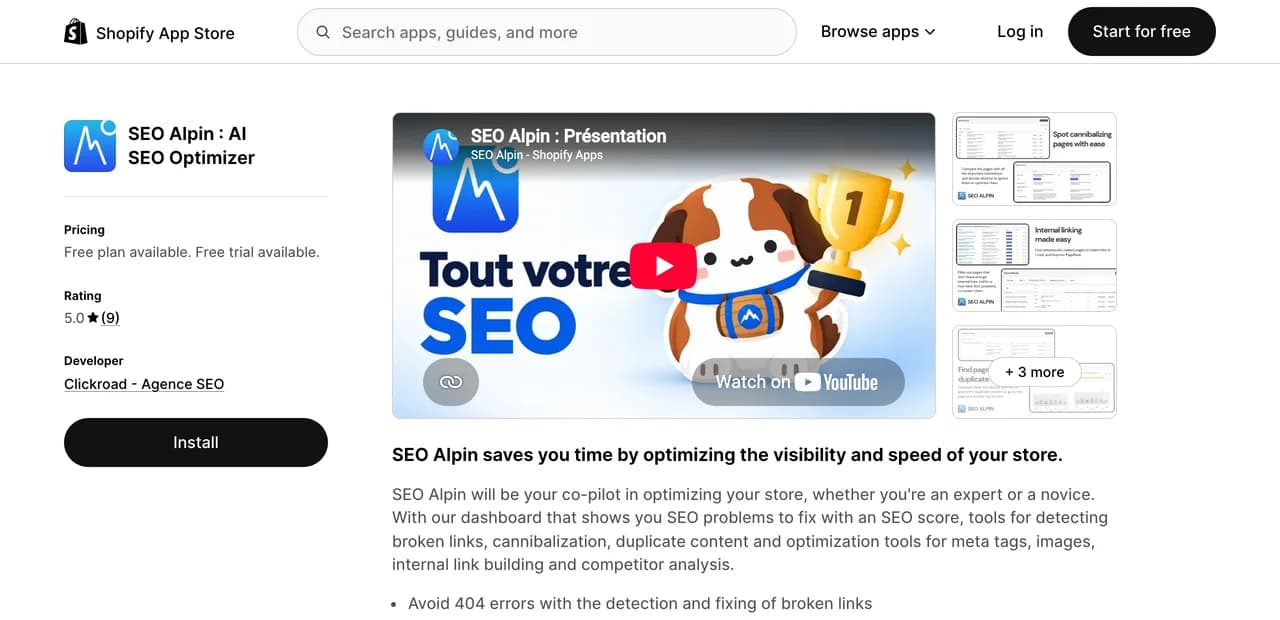
SEO Alpin installs from the App Store and connects to Search Console and Google Analytics 4. Its cannibalization report puts side by side the pages competing for the same query, with their main data. You then decide to ignore the case or deal with it.
What convinced me during the demo is that the fix happens in the same place. A 301 redirect is created in one click and the app checks that it responds. The internal linking tool finds the internal links that are missing and adds them in one click. Its automatic mode does it for you, and you can remove those links for 24 hours. Titles and meta descriptions are rewritten by AI, in bulk if needed.
Two reports come with it. Zombie pages lists the ones with no traffic in 90 days, with an AI analysis to decide whether to keep, rework or redirect them. Pages to work on estimates what a 1st or 3rd place on a query would earn, based on your visitors, your conversion rate and your average order value. It helps you pick which page should win.
For people who work in a terminal, the app also connects to AI assistants through MCP.
Best for: stores with a blog and lots of collections, brands without a full-time SEO person, and freelancers who want a quick state of play at a client's.
Strengths: detection of cannibalization and duplicates is free and unlimited; the fix happens in the Shopify admin; the data comes from your Search Console; the interface is available in French.
Limits: the app is recent (released in May 2025, 9 reviews as of 20 November 2026). On a store with little traffic, the reports built on Search Console stay thin. It doesn't pick the winning page for you, that's a business decision. Its theme extension adds structured data: if your theme already generates its own, check that you don't end up with two.
Worth knowing: free forever plan, no credit card. Paid plans start at $19.99 per month as of 20 November 2026, billed in dollars, with a 3-day trial.
2. Google Search Console: the best free tool to check a case against Google's data
It's the only source that tells you which pages Google actually showed. In the Performance report, open the Queries tab, click a query, then switch to the Pages tab: you see every URL of your store that came up for that search, with its clicks and position. A regular expression filter lets you group several variants of a query.
Best for: confirming a case before redirecting a page, and every store that's just starting out.
Strengths: free; the data comes from Google; it feeds SEO Alpin, Semrush or Ahrefs.
Limits: the check is done query by query, by hand. Part of the queries is anonymized. It fixes nothing.
3. Semrush: the best report to track cannibalization over time
In Position Tracking, the Cannibalization report lists the keywords for which at least two of your pages rank in the top 100. It gives a health score (the share of keywords without cannibalization) that you follow week after week, and two views, by page and by keyword.
Best for: teams that already have a Semrush subscription and a list of tracked keywords.
Strengths: tracking over time; the page view, which shows the URLs spread across too many queries.
Limits: the report only covers the keywords you put in your campaign. The documentation reserves it for the Guru and Business plans. Nothing gets fixed from Semrush.
4. Ahrefs: the fastest filter to list queries with several URLs

In Site Explorer, the Organic keywords report has a "Multiple URLs only" switch. Turned on, it keeps only the keywords for which several URLs of your site rank. Ahrefs itself warns that the method misses cases, because Google rarely shows two pages of the same site side by side.
Best for: pulling a first list in two minutes when you already have Ahrefs.
Strengths: fast; no campaign to set up.
Limits: an estimate based on Ahrefs' index, not on Google's data. I haven't checked whether the filter is open in the free version for your own site. Nothing gets fixed from Ahrefs.
5. Screaming Frog: the best for finding pages that are too close before they fight
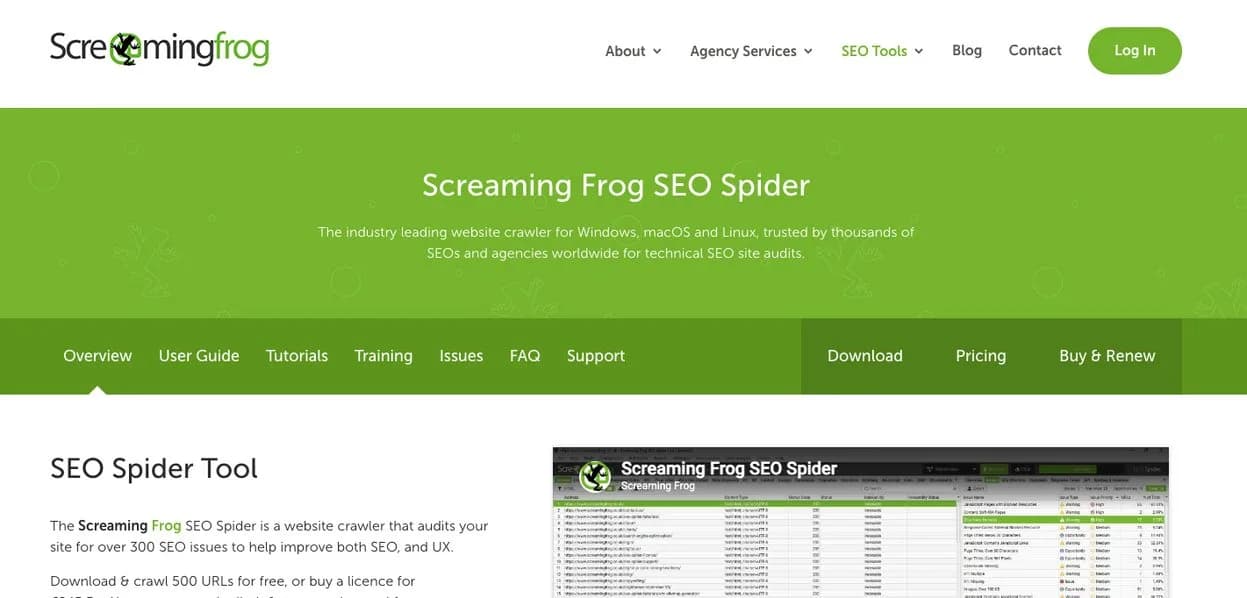
Screaming Frog attacks the problem through content. The Near Duplicates report spots pages whose text is more than 90% similar, typically the product pages of a single range. Since version 22, semantic similarity compares the meaning of pages with an AI model (OpenAI, Gemini or Ollama) that you connect to the tool.
Best for: big catalogs and migrations, when you want to spot duplicates before going live.
Strengths: it sees close pages even when they don't have traffic yet.
Limits: it measures content similarity, not competition on a query. Semantic similarity needs a paid license and a connected AI provider. Free up to 500 URLs.
What I fix in the theme
The tools find the pages. The cause is often in the code, and that takes someone who writes Liquid.
Product links that go through the collection. Many themes build product links with the within: collection filter, which produces /collections/bags/products/oscar. I remove this filter in the product cards so that all internal links point to /products/oscar. The canonical no longer does the job alone.
Indexed tag pages. I add a noindex, follow tag on collections filtered by tag, in theme.liquid, when current_tags is filled. The parent collection keeps the query.
Separate color listings. When possible, I merge the colors into variants of a single product and 301 redirect the old listings. Otherwise, each listing gets its own text and title.
Internal links to the wrong page. The menu, the footer and the "discover" blocks sometimes send visitors to the losing page. I point them to the one you keep.
How to fix cannibalization, in order
- Pick the winning page. The one that best answers the intent and converts, not necessarily the one that ranks today.
- Merge or differentiate. If both pages say the same thing, move the useful content into the winner and 301 redirect the other. If they have two intents (buy, understand), rewrite the loser for a different question.
- Rework the internal links. Anchors that contain the query point to the winner.
- Keep the canonical as a last resort. Google reads it as a hint, not as an order.
- Check in Search Console three to six weeks later, on the same query.
Which tool to choose for your situation
- You want to spot and fix without leaving Shopify: SEO Alpin.
- You suspect a specific case and want to confirm it: Search Console.
- You already have Semrush and a list of tracked keywords: the Cannibalization report.
- You have Ahrefs and want a list right now: the "Multiple URLs only" filter.
- You're preparing a migration or a big product import: Screaming Frog.
- The cause is in the theme (product URLs, tag pages): a developer.
Quiz
Are your pages fighting over the same search?
5 questions about your store. The result lists what can make your pages compete, and the tool from this ranking that fits your situation.
0 of 5 answered
My recommendation
For a Shopify store that wants to fix its cannibalization without losing its evenings to it, I recommend SEO Alpin. It finds the pages competing for a query on your real Google data and lets you fix them from the admin. Check the sensitive cases in Search Console before you redirect anything.
If the cause is in the theme, it's developer work. To see what you can handle yourself and what needs an expert, I wrote a guide on a Shopify audit, on your own or with an expert.